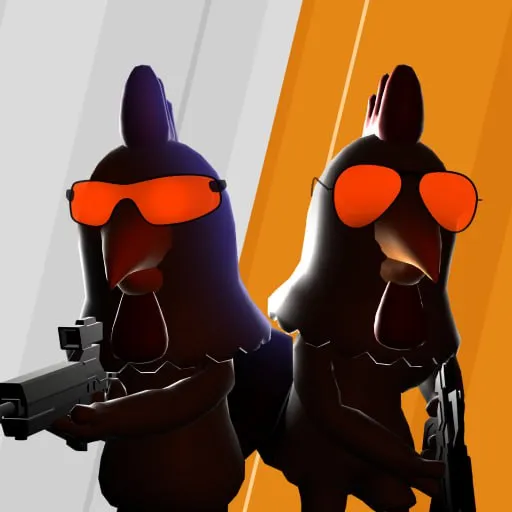
How to play Chicken Strike
Move, shoot, and switch guns. The important split is the F key: weapon select on the HTML5 player, pick up a gun on the CrazyGames build. Read the column that matches the version you opened.
HTML5 keys (GameDistribution and 1Games)
| Action | Key | Status |
|---|---|---|
| Walk | W A S D; arrow keys also listed by 1Games | 2 sources for WASD; 1 for arrows |
| Jump | Space | 2 sources |
| Reload | R | 2 sources |
| Change weapons | 1 and 2 | 2 sources |
| Weapon selection | F | 2 sources |
| Grenades | 3 and 4 | 2 sources |
| Pause | P | 2 sources |
| Shoot or throw | Left mouse | 2 sources for shoot; 1 explicit GD source for throw |
| Sniper aim | Right mouse | 1 explicit HTML5 source: GameDistribution |
| Leaderboard | Tab | 2 sources |
CrazyGames keys
CrazyGames lists WASD to move, left click to shoot or throw, right click to aim a sniper, 1 and 2 to swap guns, 3 and 4 for grenades, F to pick up a gun, P to pause, and Space to jump. Reload is not given as R on that page. I do not copy the HTML5 reload key onto this build.
Phone and Windows touch
- CrazyGames and the HTML5 player both expect landscape on a phone.
- Google Play describes offline play and says no Wi-Fi is required for the Android app.
- The Microsoft Store page describes tap to move and aim, tap to fire, swipe for the sniper, tap weapon icons, and hold to pick up. That is a third control set; 21 Oct 2026 is the store trailer’s upload date, not a game release date.
Beginner tips
- Check the F-key row before your first round; switching builds changes its action.
- Use the published 1/2 weapon keys and 3/4 grenade keys to practice switching before a crowded fight.
- Look for cover and shortcuts in the three named arena settings. This is route-planning advice, without an invented map layout or damage advantage.
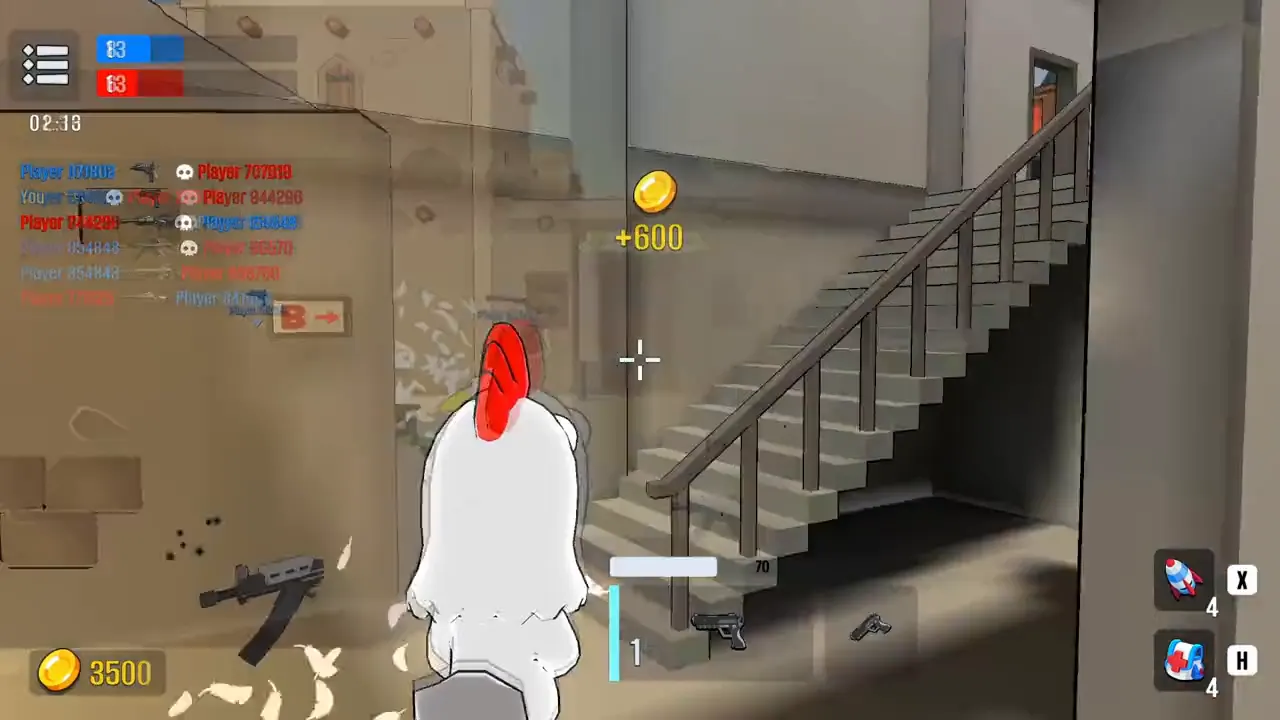
- Read the mode description on the version you open. The preview has a team scoreboard, while public listings do not establish a complete shared mode list.
Maps
CrazyGames and Google Play both name three place types: neon barns, desert arenas, and industrial coops, each with cover and shortcuts. They do not publish a numbered map list, so the table below stays at those three types.
Skins while you play
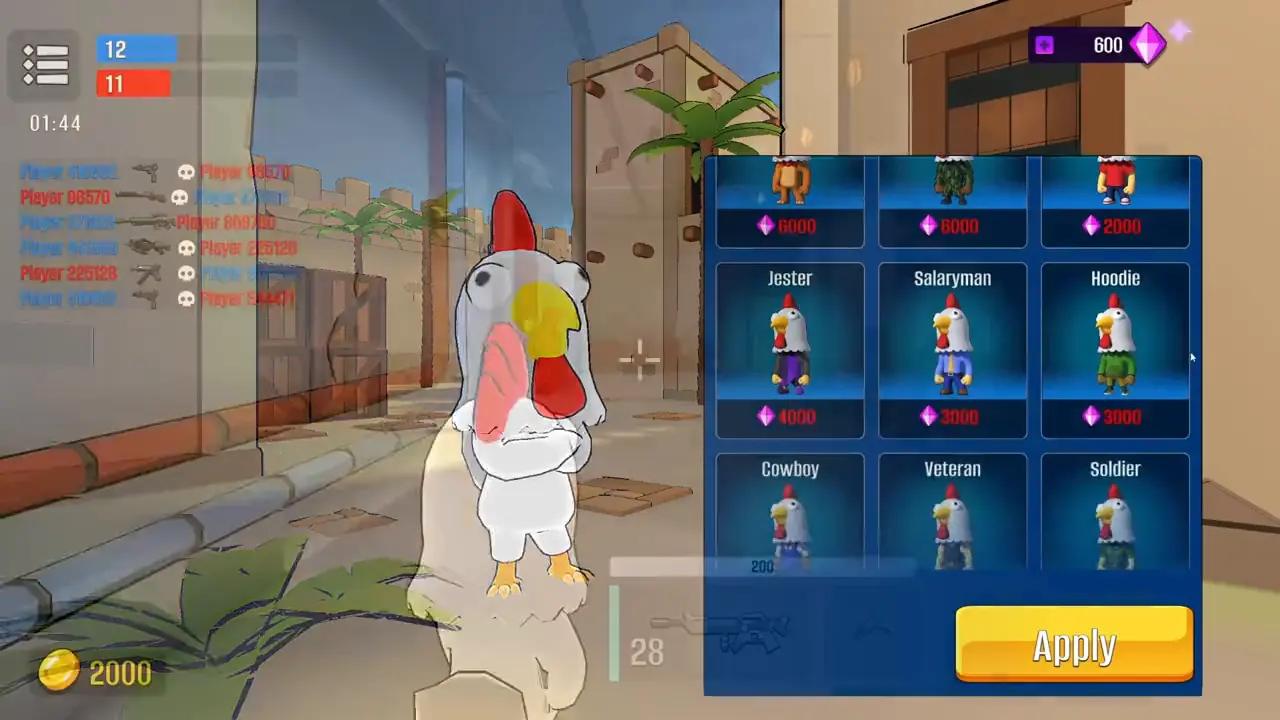
Written descriptions name Sniper Chick and Cowboy Cock. The CrazyGames preview clip shows a shop labeled Jester, Salaryman, Hoodie, Cowboy, Veteran, and Soldier. I keep both lists because a video frame and a store paragraph are not the same catalog. Prices in gems appear only on that clip.
| Map type | Setting | Status |
|---|---|---|
| Neon Barn | Neon barn | 2 sources |
| Desert Arena | Desert arena | 2 sources |
| Industrial Coop | Industrial coop | 2 sources |
Questions
Which F key should I press?
On the HTML5 player, F opens weapon selection. On CrazyGames, F picks up a gun. They are different builds.
Can I play on a phone?
Yes, in landscape in the browser, and as an Android app. The Windows listing is a separate touch build.
How many maps are there?
Three types are named. No source gives a larger numbered list.
What do the upgrades do?
Store copy names fire rate, damage, and handling. It does not publish the numbers.
Related
Sources
- GameDistribution — Chicken Strike — checked 2026-11-12
- 1Games — Chicken Strike — checked 2026-11-12
- CrazyGames — Chicken Strike — checked 2026-11-12
- Google Play — Chicken Strike — checked 2026-11-12
- Microsoft Store — Chicken Strike — checked 2026-11-12